Beginning
Record the starting conditions, expectations, and early events.
Example cards
- We started before the API contract was agreed.
Keep in mind: Avoid rewriting the starting assumptions using hindsight.
Reconstruct the story of your sprint. Capture what happened at the beginning, middle, and end, then turn the patterns into practical takeaways.

Drag example cards between columns or try voting to explore the format.
Record the starting conditions, expectations, and early events.
Sprint planning left the API contract unresolved.
Capture changes, decisions, and turning points during the work.
A joint design review clarified the edge cases.
Describe the final stretch and what the team observed at the finish.
The release checklist caught a missing migration.
Turn the sequence of events into lessons and practical next steps.
Agree on API contracts before dependent work starts.
Use these prompts and example cards to start a focused conversation.
Record the starting conditions, expectations, and early events.
Example cards
Keep in mind: Avoid rewriting the starting assumptions using hindsight.
Capture changes, decisions, and turning points during the work.
Example cards
Keep in mind: Include helpful turning points as well as setbacks.
Describe the final stretch and what the team observed at the finish.
Example cards
Keep in mind: Describe what happened rather than assigning blame.
Turn the sequence of events into lessons and practical next steps.
Example cards
Keep in mind: Do not turn every observation into a new commitment.
Timeline takes about 30–45 min. Here's the flow.
Agree on the sprint or milestone being reviewed and explain the four columns.
Add observations to Beginning, Middle, and End. Include approximate dates or sequence where helpful.
Read the timeline together and discuss changes, surprises, and recurring friction.
Write lessons in Takeaways and choose one or two improvements with owners.
A Timeline retrospective organizes reflection chronologically. Instead of starting with a judgment about what went well or badly, the team reconstructs the period together: what happened first, what changed in the middle, and how things finished. This helps people who worked on different parts of a project build a shared picture.
LetRetro's version uses Beginning, Middle, End, and Takeaways. The first three columns hold concrete events and observations; Takeaways captures lessons and proposed changes. The phases are relative to the sprint or project you choose, so the same format works for a two-week sprint or a longer milestone.
Use Timeline after a release, a handoff-heavy sprint, or a project with changing requirements. Ask participants to add dates when useful, distinguish observed events from interpretations, and finish with a small number of owned actions. This is a column-based retrospective rather than a dated project-management timeline.
If you like Timeline, you might also enjoy these formats.
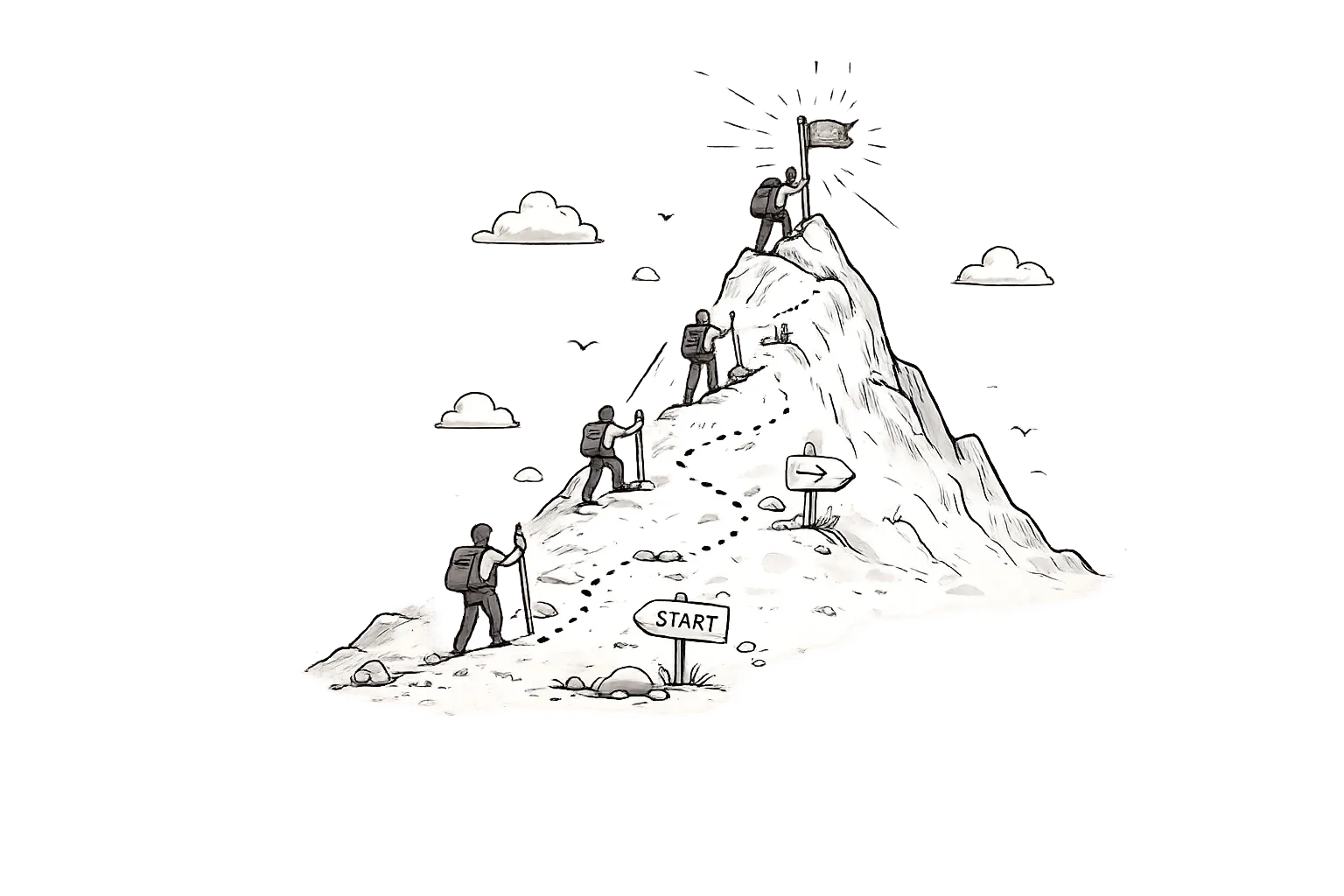
A forward-looking retrospective format that helps goal-oriented teams reflect on progress, identify blockers, and plan the next sprint like climbing a mountain.

Go beyond start, stop, and continue. Use five focused prompts to decide which habits to keep, increase, reduce, stop, or introduce.

A structured four-column retro format — Liked, Learned, Lacked, Longed For — that balances positive reinforcement with honest improvement areas.

Let the group choose the agenda. Collect topics, vote on what matters, and move cards from To Discuss through Discussing to Discussed.
LetRetro uses Beginning, Middle, End, and Takeaways. The first three reconstruct the period; Takeaways captures lessons and proposed improvements.
Yes. Agree on the period first, then use the three chronological phases to reflect on the project or milestone.
No. It creates a retrospective board with chronological columns. Add dates to cards when they help explain the sequence.
Yes. Timeline is a built-in template available on the Free plan, subject to board and member limits.
Free forever plan. Start running better retrospectives in under 2 minutes.
Get Started Free