Mountain Climb Retrospective Template
A forward-looking retrospective format that helps goal-oriented teams reflect on progress, identify blockers, and plan the next sprint like climbing a mountain.

See it in action
Drag cards between columns to try the format. Vote on items to see what surfaces.
What should we begin doing in the next sprint? New habits, processes, or tools to adopt.
Write integration tests for payment pipeline
Use feature flags for all new deployments
Run bi-weekly tech debt reduction sessions
What's not serving us? Practices, meetings, or processes to eliminate.
Having a separate status-update meeting — use async check-ins
Assigning tickets without clear acceptance criteria
What's working well that we should keep doing? Reinforce positive behaviors and effective processes.
Daily standups — they're tight and focused
Weekly retro — it keeps us honest
Using squash-and-merge for cleaner commit history
What do we want to achieve in the upcoming sprint? Clear, measurable targets aligned with team OKRs.
Reduce CI pipeline time to under 10 minutes
Ship the team dashboard by end of sprint
Achieve 90% test coverage on all new PRs
What did we achieve last sprint? Celebrate wins and completed goals before diving into improvements.
Shipped the new onboarding flow — 40% fewer drop-offs
Onboarded two new engineers to the team
Cut P95 API latency from 800ms to 200ms
How to run it
Mountain Climb takes about 20–30 min. Here's the flow.
Introduction
Facilitator explains the climb metaphor and each column. Remind the team this is blameless and future-focused.
Add cards
Team silently adds cards to each column. Start, Stop, Continue get most attention; Goals and Outcomes are forward-looking.
Discussion
Group cards by theme, discuss the most-voted items. Focus on patterns, not individual complaints.
Voting
Each team member gets 3–5 votes. Prioritize action items that will have the most impact on the next sprint.
Actions
Assign owners and due dates for top-voted action items. Link directly to GitHub issues or Linear tickets.
- ✓Keep the entire retro under 30 minutes — momentum matters more than exhaustive discussion.
- ✓Vote before discussing to surface what the team collectively cares about.
- ✓Assign owners and due dates to every action item — unowned actions never happen.
- ✓Use anonymous mode for the Stop column to surface honest feedback.
- ✓Link outcomes back to sprint goals so the team sees progress over time.
- ✓Rotate the facilitator role each sprint to share ownership.
- ✗Skipping the Outcomes column — celebrating wins is what makes this format motivational.
- ✗Letting one person dominate discussion — use round-robin or timed turns.
- ✗Too many action items — pick 2-3 maximum and execute them well.
- ✗No follow-up on previous sprint's actions — start each retro reviewing last sprint's commitments.
- ✗Treating it as a complaint session — keep the focus on forward-looking improvement.
- ✗Running without a facilitator — someone needs to keep time and guide the flow.
What is a Mountain Climb retrospective?
The Mountain Climb retrospective is a powerful Agile retrospective format designed for teams that thrive on progress and goal-oriented reflection. Unlike traditional retrospectives that focus primarily on problems, Mountain Climb frames each sprint as a climb — with a clear summit (your goal), the path you took (what worked), the obstacles you encountered (what didn't), and the gear you'll need for the next ascent.
Originating from the software engineering community as an evolution of Start/Stop/Continue, Mountain Climb adds two critical columns — Goals and Outcomes — that make it uniquely effective for Scrum teams running sprint-based work. The format was popularized by engineering leaders who found that traditional retrospectives focused too heavily on negative feedback without enough emphasis on tracking progress toward larger objectives.
The psychology behind Mountain Climb is rooted in progress theory. Humans are motivated more by a sense of forward momentum than by avoiding problems. By structuring the retro around a climb metaphor, teams naturally shift from blame-oriented thinking to growth-oriented thinking. Each column represents a phase of the journey: Outcomes acknowledge where you've been, Start/Stop/Continue define your immediate actions, and Goals point to where you're going.
Similar templates
If you like Mountain Climb, you might also enjoy these formats.
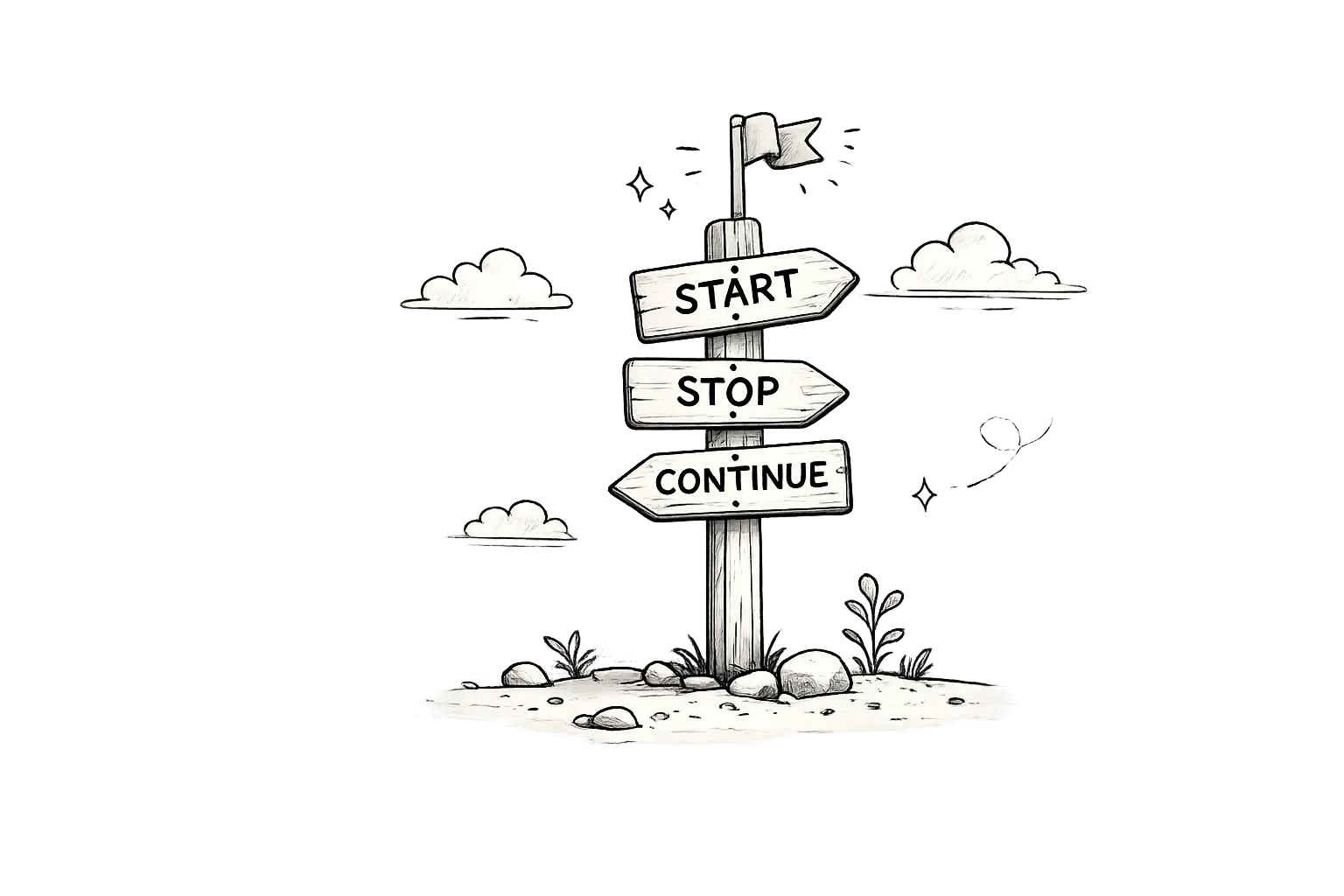
Start/Stop/Continue
A classic three-column retro format that helps teams identify new practices to adopt, unhelpful habits to drop, and winning behaviors to reinforce.

Sailboat
A metaphorical retro format where the team is a sailboat — Anchors hold you back, Wind pushes you forward, and Rocks are risks to navigate around.

DAKI
A four-column continuous improvement format — Drop, Add, Keep, Improve — that combines Start/Stop/Continue simplicity with actionable improvement granularity.

Stoplight
An intuitive traffic-light retro format — Red for blockers, Yellow for caution, Green for smooth sailing — that makes team health instantly visible at a glance.
Frequently asked questions
What is a Mountain Climb retrospective?
Mountain Climb is a goal-oriented retrospective format that frames each sprint as a climb. Columns include Start, Stop, Continue, Goals, and Outcomes — helping teams reflect on progress and plan forward.
How long should a Mountain Climb retro take?
20–30 minutes is the sweet spot. The format is structured so teams move efficiently through each column without getting stuck on any single topic.
Who should facilitate a Mountain Climb retrospective?
Anyone on the team can facilitate. Rotate the role each sprint — it builds facilitation skills across the team and brings fresh perspectives to the process.
Is Mountain Climb good for remote teams?
Yes — LetRetro's async and real-time modes make Mountain Climb ideal for distributed teams. Team members can add cards in their own time, then vote and discuss synchronously.
Can I run Mountain Climb asynchronously?
Absolutely. LetRetro supports async retrospectives where team members add cards throughout the day, vote asynchronously, and the AI generates a summary for discussion.
What's the difference between Mountain Climb and Sailboat?
Mountain Climb is forward-looking and goal-oriented (Start, Stop, Continue, Goals, Outcomes), while Sailboat uses a journey metaphor with Anchors (what's holding us back), Wind (what pushes us forward), and Rocks (risks ahead).
What's the difference between Mountain Climb and Start/Stop/Continue?
Mountain Climb extends Start/Stop/Continue with Goals and Outcomes columns, making it better suited for teams that want to track progress toward larger objectives across sprints.
Can AI summarize Mountain Climb results?
Yes — LetRetro's AI automatically generates summaries and extracts action items from every retrospective, helping you spot trends and track follow-through.
Run your mountain climb retro
Free forever plan. Start running better retrospectives in under 2 minutes.
Get Started Free