Draw it.
Diagram it.
Plan it together.
letRetro Canvas is a real-time drawing board for brainstorming, diagramming, and visual planning — way beyond sprint kanban boards. Turn ideation into a drawing canvas, brainstorm, create, and present to your stakeholders.
An infinite drawing surface for ideas of any size. Zoom in for detail, zoom out for the big picture.
Every stroke, sticky note, and shape lands live. Your teammates see changes as they happen.
Canvas is included on every plan — 1 free, 10 on Pro, unlimited on Enterprise.
We are shipping fast and listening. Your feedback shapes what the canvas becomes.
An infinite board for how you think
Kanban tracks the work. Canvas holds the thinking. Start with a blank space and sketch anything — a brainstorm, a flow, a wireframe, a plan — without squeezing it into columns.
Brainstorm your ideas as a drawing canvas, connect them into diagrams, and take the outcome straight into your sprint board when it is ready.
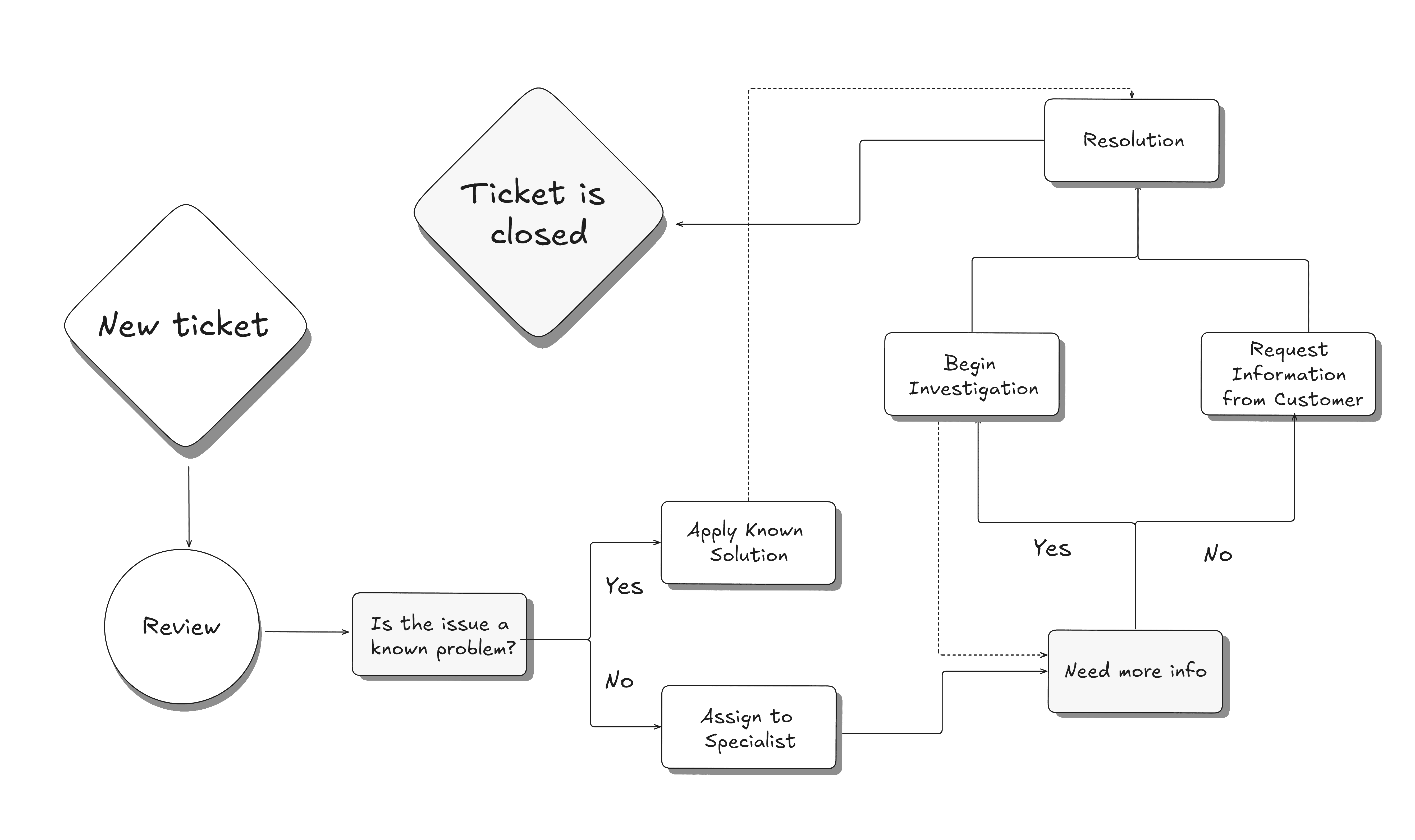
Brainstorm on a blank page
No columns, no structure — just an open canvas for thinking out loud. Dump every idea, then shape it into something your team can build on.
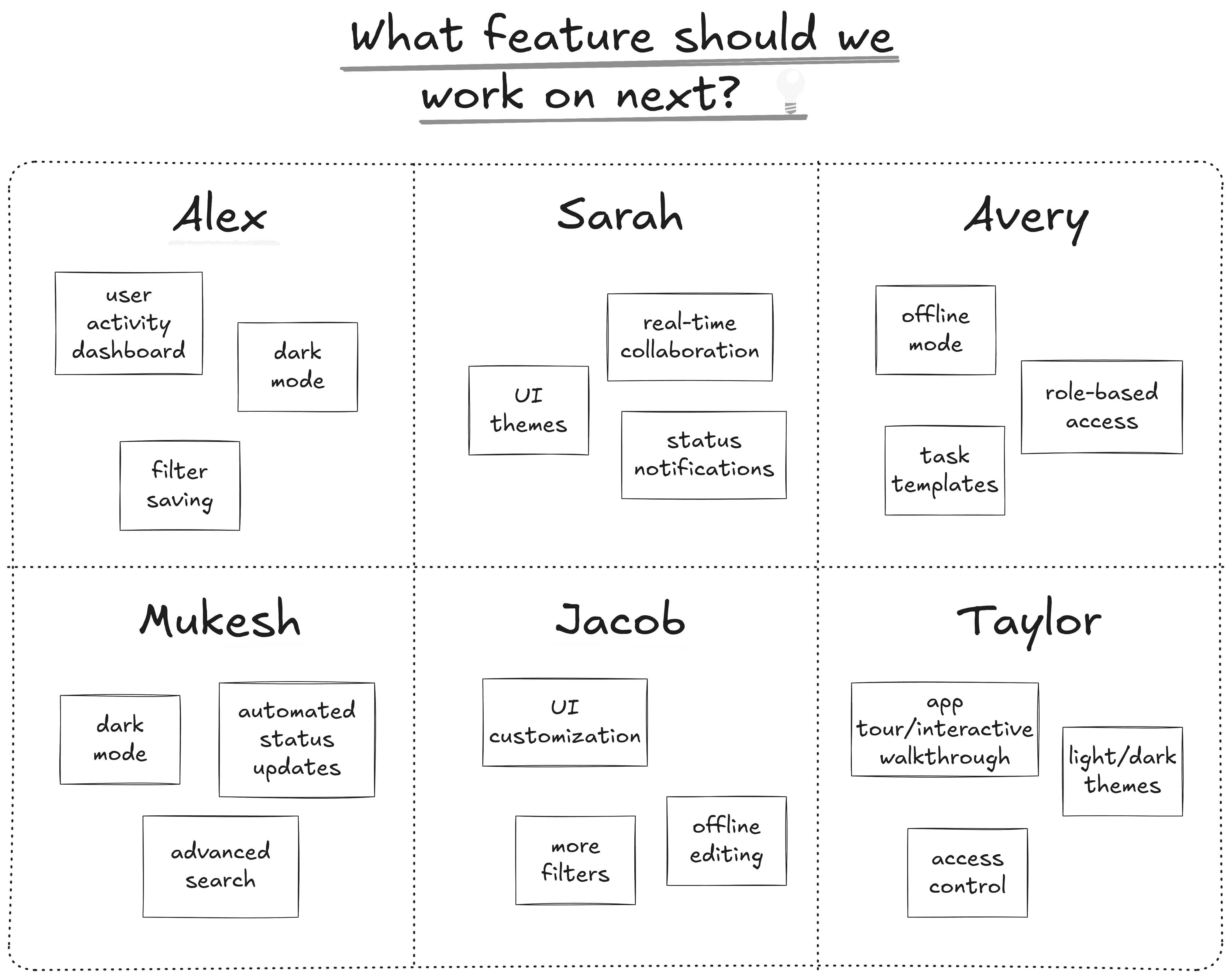
Brainwriting
Capture every thought before it escapes. Sticky notes, sketches, and half-formed ideas all land on the same board — no idea left behind.
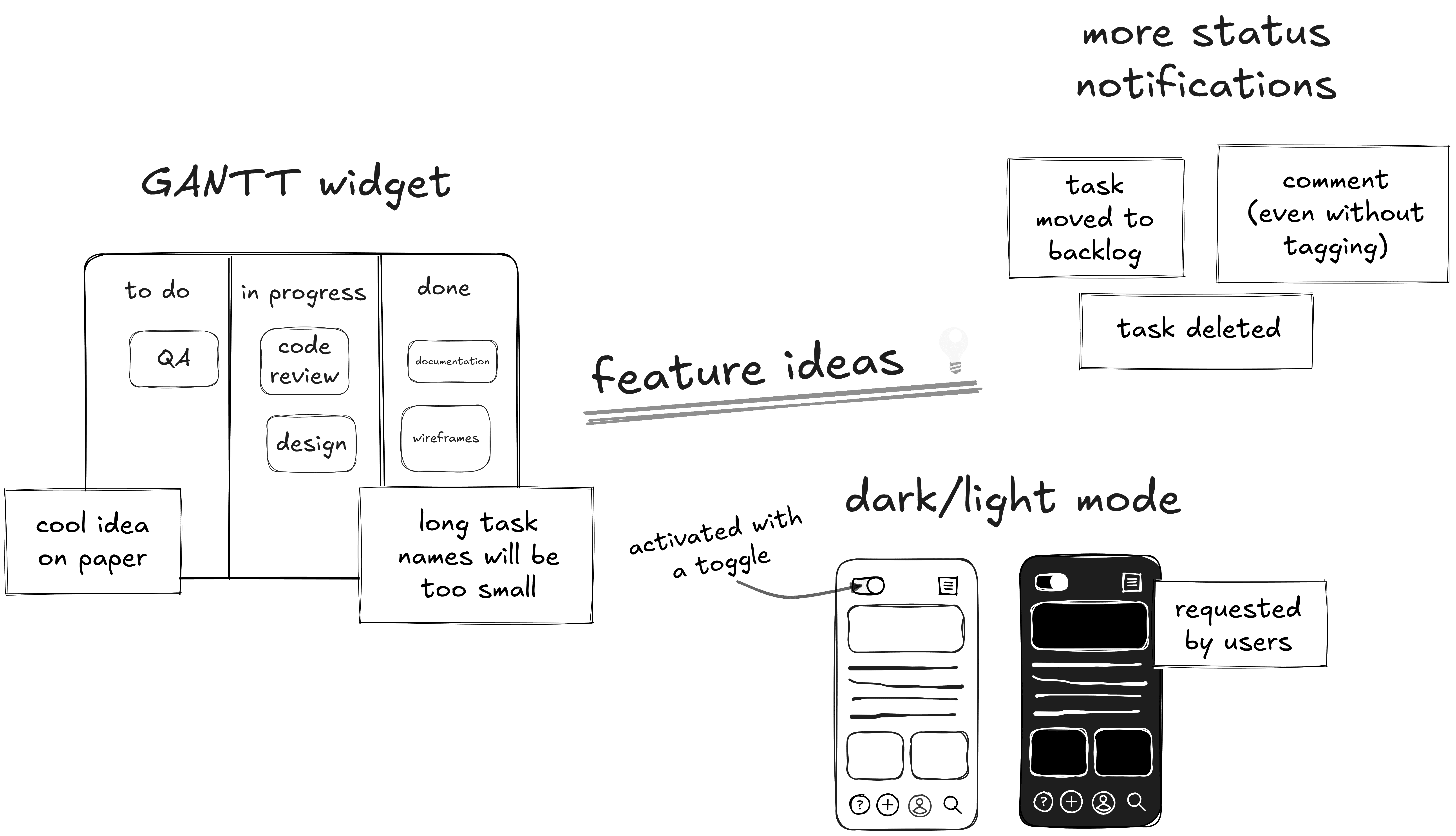
Free drawing
Sketch flows, wireframes, and rough ideas by hand. A real pen for the moments a shape is too rigid.
Everything you need to think visually
Sticky notes to use case diagrams — a full kit for turning raw ideas into something your team and stakeholders can see, understand, and act on.
Sticky notes
Drop thoughts fast, color-code them, and regroup on the fly. The raw material of every brainstorm.
Free drawing
Sketch flows, wireframes, and rough ideas by hand. A real pen for the moments a shape is too rigid.
Shapes & connectors
Boxes, arrows, and connectors for clean diagrams. Build flowcharts and system maps without a design tool.
Use case diagrams
Show stakeholders exactly how your system works. Actors, relationships, and flows — drawn in minutes.
Text & labels
Annotate every element. Name your actors, label your flows, and keep the diagram self-explanatory.
Realtime collaboration
Invite your team, see live cursors, and build together. The board updates as everyone draws.
Present mode
Walk stakeholders through your canvas with a clean, focused view. No UI clutter, just the idea.
From ideation to plan
Start loose, end concrete. Turn sketched ideas into action items your team can execute.
Explain your system to stakeholders
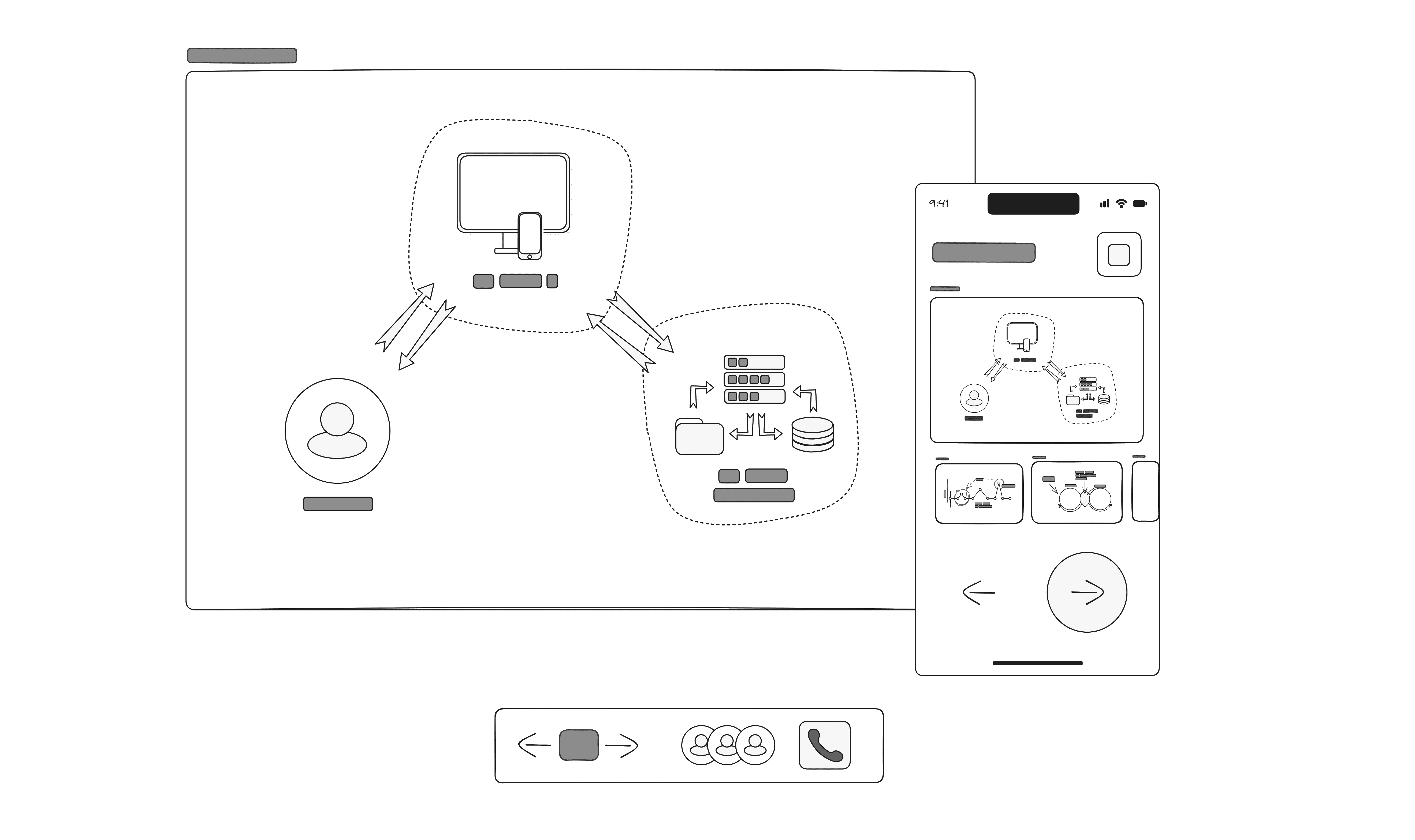
Create use case diagrams that show exactly who interacts with your system and how. Actors, relationships, and flows drawn in minutes — no diagram tool required.
Use case diagrams
Model actors and their interactions so stakeholders grasp the system at a glance.
Present mode
Walk through your canvas in a clean, focused view. Present the idea, not the tool.
From diagram to action
When the picture is clear, turn the decisions into tickets your team can execute.
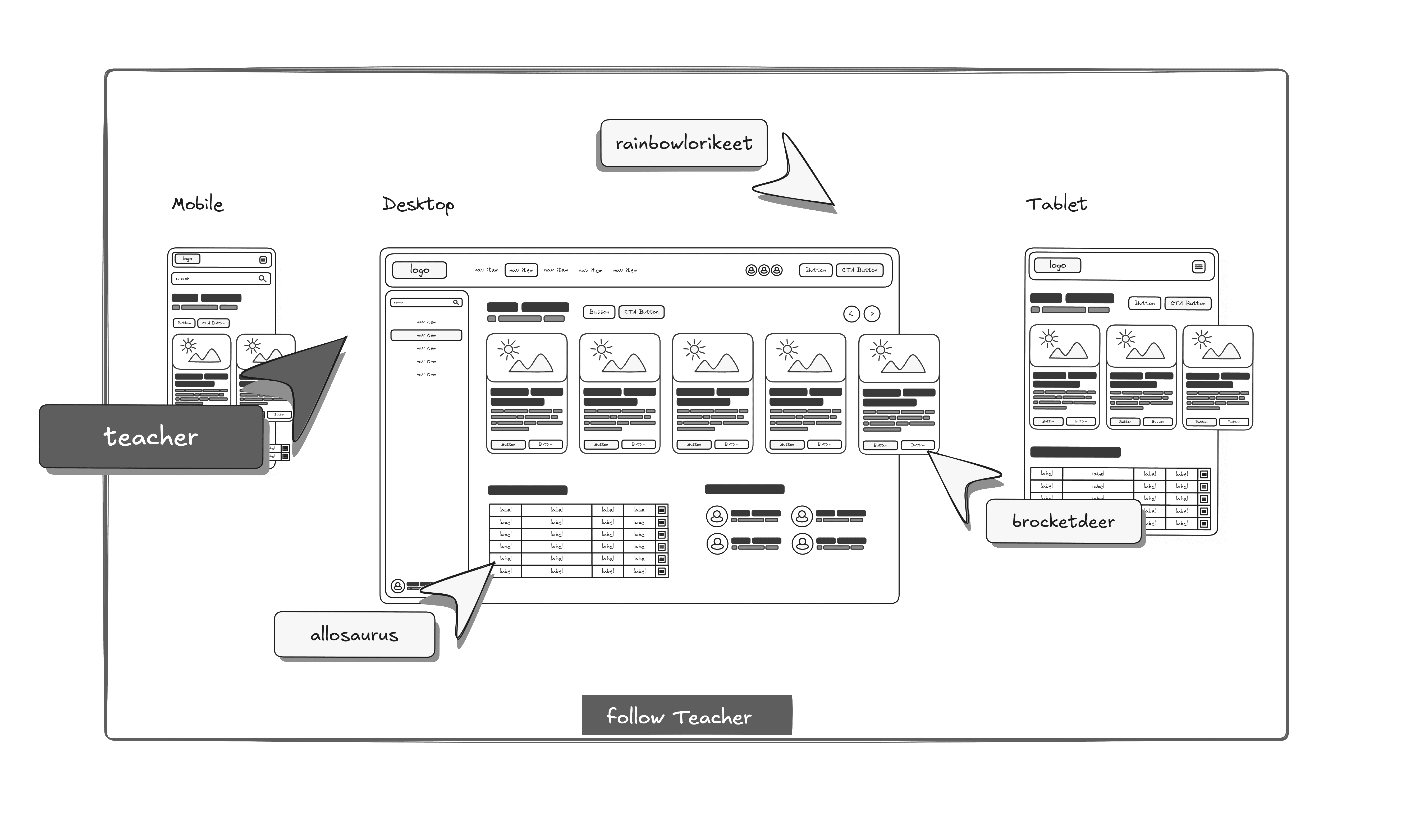
Build ideas together, live
Invite your teammates and draw as one team. Live cursors, instant sync, and a shared board that updates the moment anyone moves a sticky note — perfect for distributed teams and async work.
Open a canvasFrequently asked questions
Everything you want to know about letRetro Canvas, the beta, and who can use it.
What is letRetro Canvas?+
Canvas is a real-time drawing board inside letRetro for brainstorming, diagramming, and visual planning. It goes beyond sprint kanban boards — think of it as an infinite whiteboard where your team can sketch ideas, build use case diagrams, and turn rough thinking into a concrete plan.
Is Canvas just another kanban board?+
No. Kanban boards are great for tracking work in columns. Canvas is for the thinking before the tracking: ideation, diagramming, flow drawing, and stakeholder presentations. You can start on Canvas and move the outcome into a sprint board when it is ready.
How does realtime collaboration work?+
Everyone you invite sees the canvas live. Cursors, edits, sticky notes, and shapes sync in real time, so your team can draw and discuss together from anywhere.
Can I create use case diagrams for stakeholders?+
Yes. Canvas includes actors, shapes, and connectors, so you can model use cases and system interactions and present them to stakeholders directly from the board.
Which plan includes Canvas?+
Canvas is included on every plan: 1 canvas on Free, 10 on Pro, and unlimited on Enterprise. It is currently in beta, so you can start using it today.
How do I get access while it is in beta?+
Just open a canvas from your letRetro dashboard. Beta feedback helps us refine the drawing tools and collaboration features, and we ship updates frequently.
Ready to draw your next idea?
Canvas is in beta and available for all — start brainstorming today.
Start drawing