Start/Stop/Continue Retrospective Template
A classic three-column retro format that helps teams identify new practices to adopt, unhelpful habits to drop, and winning behaviors to reinforce.
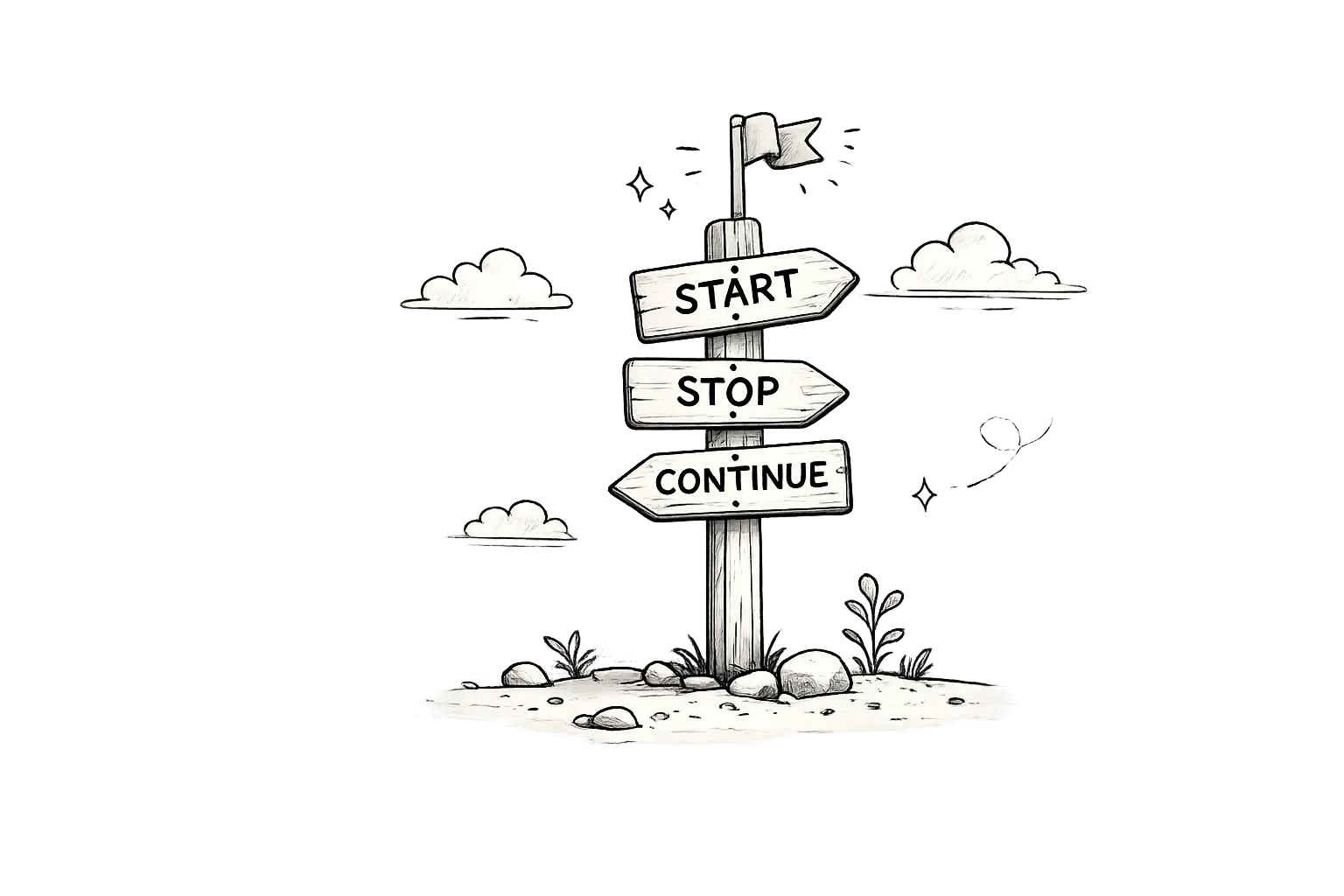
See it in action
Drag cards between columns to try the format. Vote on items to see what surfaces.
New behaviors, tools, or processes the team should begin adopting.
Adding automated accessibility checks to CI
Writing acceptance criteria before each sprint
Running a 15-min weekly tech debt review
Using feature flags for all new features
Processes, habits, or meetings that waste time or create friction.
Having hour-long standups — keep it 15 min
Skipping code reviews for hotfixes
Context-switching between three projects
Practices and behaviors that are working well and should be maintained.
Using squash-and-merge for clean history
Blast radius reduction — deployments are safer now
Daily standups — they keep us aligned
How to run it
Start/Stop/Continue takes about 15–25 min. Here's the flow.
Introduction
Explain the three columns and the blameless retro culture. Set a timer for each phase.
Add cards
Team adds cards silently to Start, Stop, and Continue. Encourage at least 2 cards per column.
Vote and group
Cluster similar cards and vote on top priorities. Focus on what the team can control.
Discuss top items
Discuss the highest-voted cards in each column. Keep discussion solution-oriented.
Commit to actions
Pick 1-2 concrete actions per column, assign owners, and set due dates.
- ✓Keep each column balanced — if Stop has 20 cards and Continue has 2, the team may be burning out.
- ✓Vote before discussing to surface collective priorities, not just the loudest voice.
- ✓Set a timer for each phase — Start/Stop/Continue works best when it moves fast.
- ✓Review last sprint's Start items first — did we actually start them?
- ✓Use anonymous mode for the Stop column to get honest feedback.
- ✓Assign action items before closing — unowned actions are just wishes.
- ✗Letting Continue become a filler column — it's as important as Start and Stop.
- ✗Focusing only on Stop — the format works because it's balanced.
- ✗Not following up on Start items from the last retro.
- ✗Running longer than 25 minutes — the format is designed for speed.
- ✗Treating Stop items as personal criticism — keep it process-focused.
- ✗Ending without action items and owners assigned.
What is a Start/Stop/Continue retrospective?
The Start/Stop/Continue retrospective is one of the most widely used Agile retrospective formats — and for good reason. Its simplicity is its superpower. Three columns. Three questions. Infinite possibilities for improvement.
Originating from the Lean Startup movement and popularized by retrospectives pioneer Esther Derby, the Start/Stop/Continue format strips retrospective complexity down to its essence: what should we begin doing, what should we stop doing, and what should we keep doing? No metaphors, no complex frameworks — just clear, actionable categories that any team can use from their very first sprint.
The psychological power of Start/Stop/Continue lies in its balanced structure. Unlike formats that lean negative (what went wrong) or purely positive (what went well), this format demands equal attention to starting new habits, stopping unhelpful patterns, and continuing what already works. This triad creates a cognitive forcing function that prevents teams from fixating on problems while ignoring solutions.
Similar templates
If you like Start/Stop/Continue, you might also enjoy these formats.

Mountain Climb
A forward-looking retrospective format that helps goal-oriented teams reflect on progress, identify blockers, and plan the next sprint like climbing a mountain.

DAKI
A four-column continuous improvement format — Drop, Add, Keep, Improve — that combines Start/Stop/Continue simplicity with actionable improvement granularity.

WWW & WNB
A focused two-column retro format — What Went Well and Needs Better — that balances celebration with honest improvement in the shortest possible time.

4Ls
A structured four-column retro format — Liked, Learned, Lacked, Longed For — that balances positive reinforcement with honest improvement areas.
Frequently asked questions
What is a Start/Stop/Continue retrospective?
Start/Stop/Continue is a simple three-column retrospective format where teams identify what they should start doing, stop doing, and continue doing to improve their processes and outcomes.
How long should a Start/Stop/Continue retro take?
15-25 minutes is ideal. The format is designed for speed — spend most time on the highest-voted cards in each column.
Is Start/Stop/Continue good for remote teams?
Yes — its simplicity makes it perfect for async and remote formats. Team members in different time zones can contribute cards asynchronously.
What if all cards end up in the Stop column?
That's a signal the team is frustrated. Spend extra time on Continue to surface what's working, and consider whether a more supportive format like Mad/Sad/Glad would help.
Can I use Start/Stop/Continue for personal retrospectives?
Absolutely — many engineers use it as a personal productivity tool. Start an exercise routine, stop doom-scrolling, continue journaling.
Does LetRetro support anonymous Start/Stop/Continue boards?
Yes — you can enable anonymous mode for any retrospective, including Start/Stop/Continue, so team members share honest feedback without fear.
Run your start/stop/continue retro
Free forever plan. Start running better retrospectives in under 2 minutes.
Get Started Free